
Download Diviner Demo – turn-based combat, dungeon crawler, 3D free roam, weapon augmentation, environmental storytelling
Overview
Diviner Demo presents a compelling entry into the realm of narrative-driven, turn-based dungeon crawlers, offering players a chance to explore a world where danger and beauty are inextricably linked. As a Tethered—a being forged from earth and bound to a weapon—players assume a role defined by resilience, adaptation, and tactical prowess. The demo functions as a strategic preview of the full game, allowing users to experience core mechanics such as combat, exploration, and world-building without commitment.
Designed for fans of deep, story-rich experiences, the app appeals to players who value meaningful choices, environmental immersion, and long-term progression. While the developer did not provide additional background information, the game’s design language suggests a focus on atmospheric storytelling and player agency. Real-world use cases include testing gameplay depth before purchase, engaging with narrative-heavy content on mobile devices, and participating in early development feedback loops.
In the broader app ecosystem, Diviner Demo stands out by combining classic dungeon crawler elements with modern 3D movement, positioning itself as a niche yet ambitious title in the mobile gaming space.
Key Features & Functionality
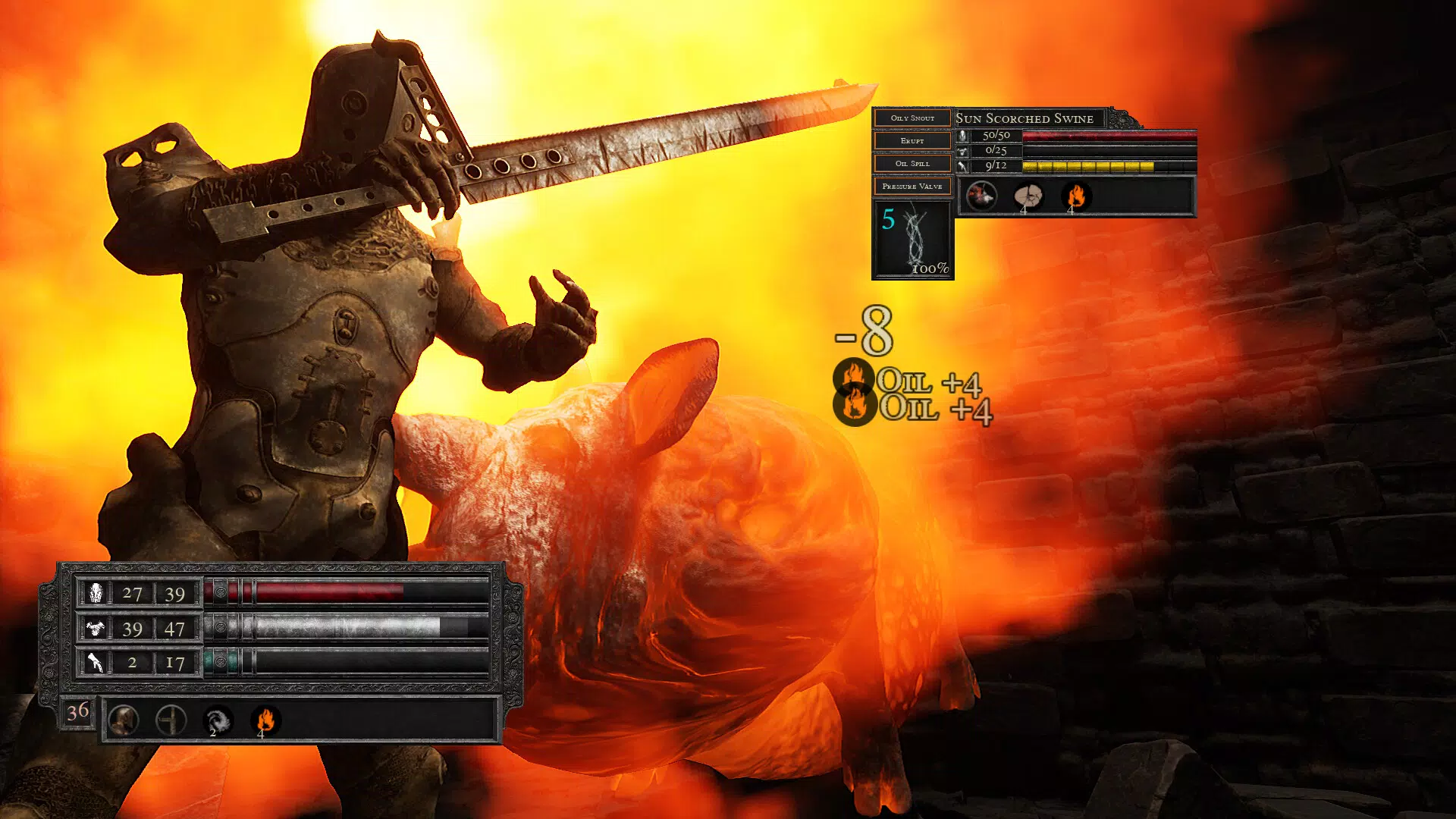
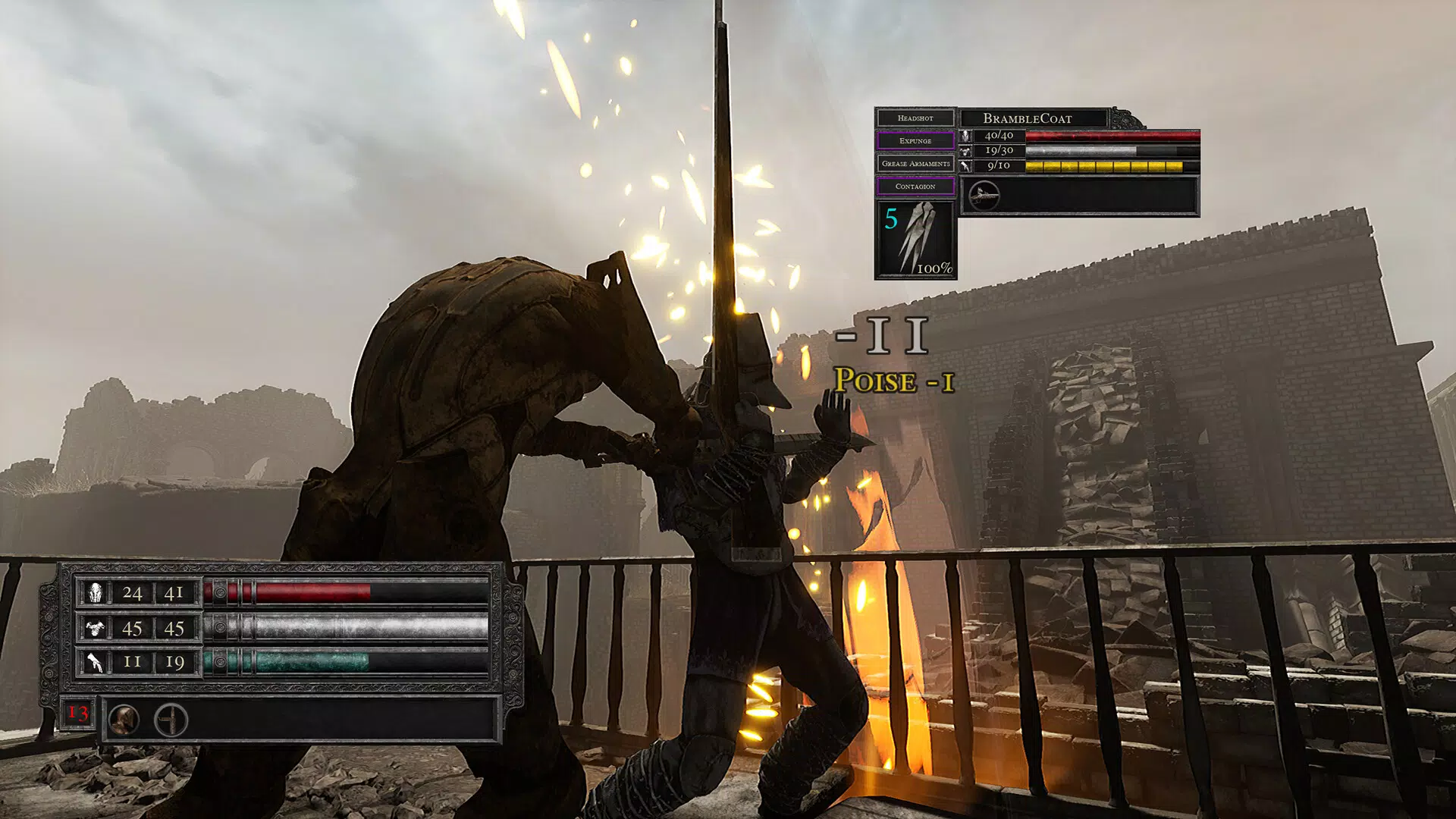
- Strategic Turn-Based Combat: The game employs a grid-based turn system that emphasizes foresight and planning. Each action—movement, attack, or ability—must be carefully considered, with outcomes influenced by positioning, terrain, and timing. This system encourages players to anticipate enemy behavior and adapt their strategies in real time, ensuring that no two encounters are identical.
- Dynamic Weapon Augmentation via Binds: Players can modify their weapon’s capabilities on a per-turn basis using Binds, enabling real-time customization during battles. This mechanic supports diverse playstyles, from aggressive melee builds to defensive, support-oriented strategies, and rewards experimentation with unique combinations.
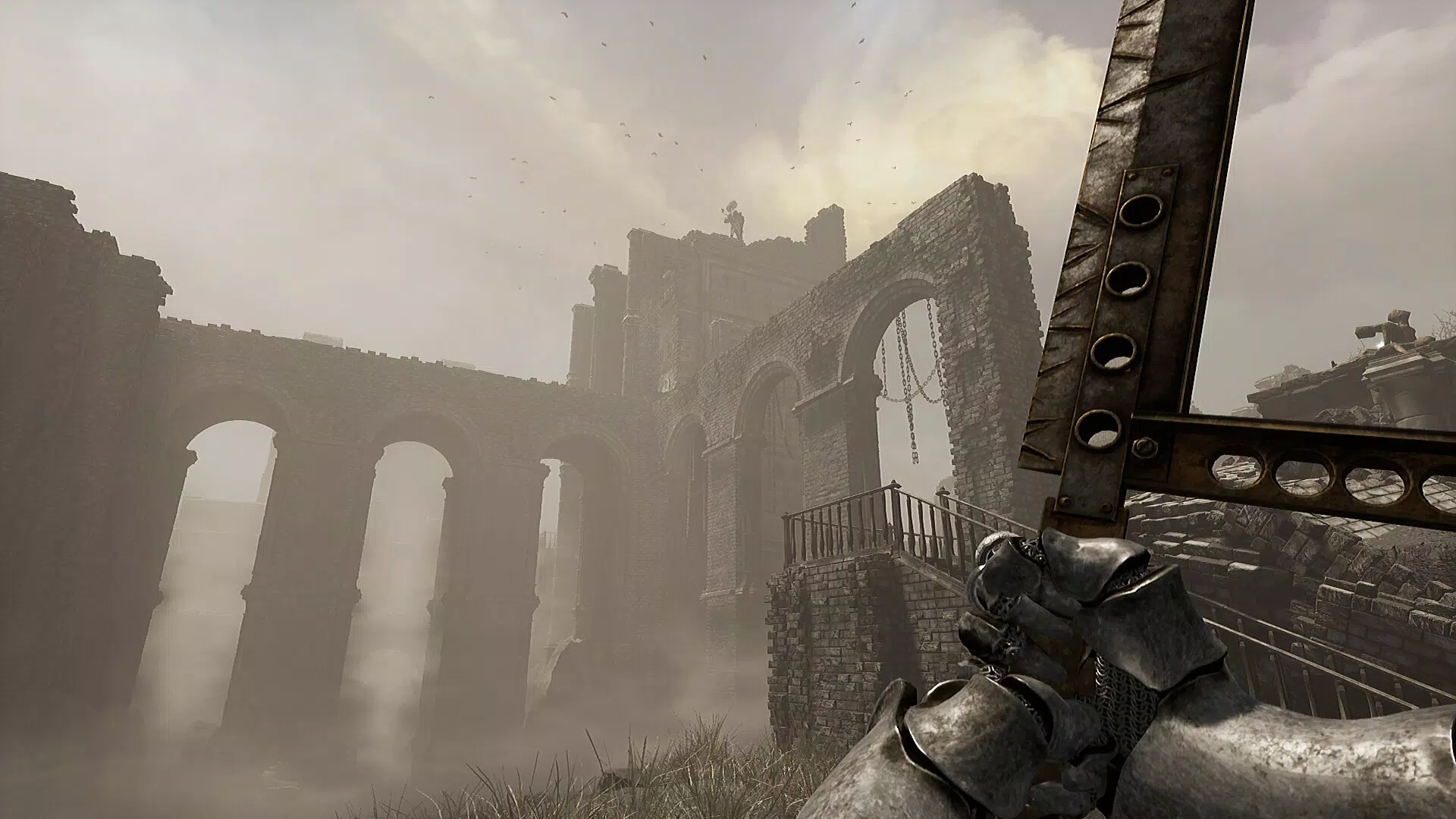
- 3D Free Roam Exploration: Unlike traditional top-down dungeon crawlers, Diviner Demo implements a full 3D movement system that allows for fluid navigation across layered environments. This enhances immersion and discovery, letting players climb, descend, and traverse complex spatial layouts with intuitive touch controls.
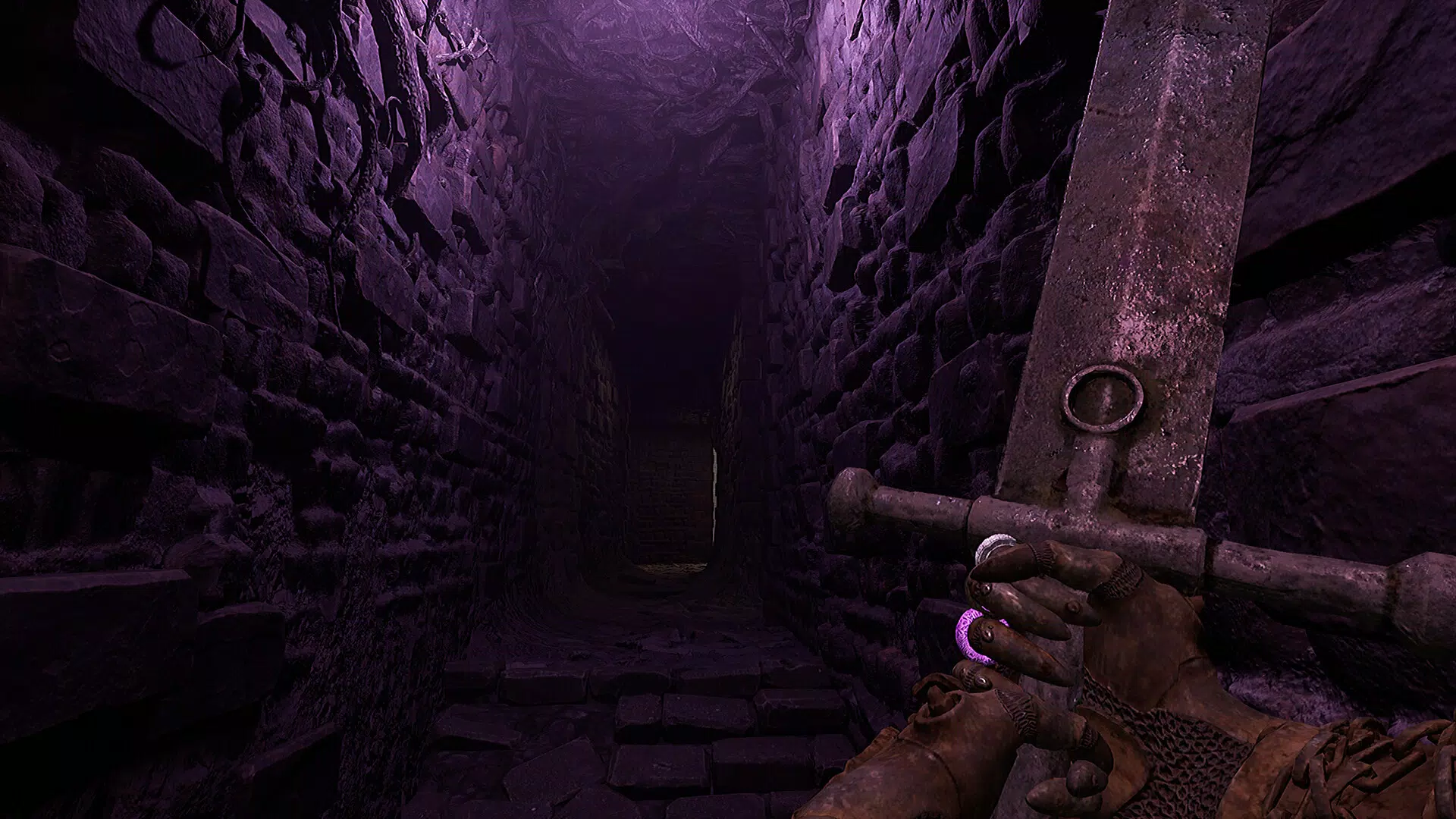
- Environmental Storytelling: Narrative depth is conveyed through visual design, architecture, and environmental details rather than dialogue or cutscenes. Ruined temples, overgrown corridors, and shifting light patterns all contribute to a rich, layered world that invites exploration and interpretation.
- Early Feedback Opportunity: The demo serves as a testing ground for the development team, allowing players to evaluate mechanics and provide input. Though some quality-of-life features are absent, the core loop remains intact, offering a valuable preview of the final product.
These features collectively create a gameplay loop centered on strategy, adaptation, and discovery. For instance, a player might use a Bind to temporarily increase their weapon’s range during a tight corridor encounter, or explore a hidden alcove to uncover lore fragments that inform future decisions. The demo’s structure ensures that each play session delivers meaningful progression and insight.
Interface, UX & Performance
The user interface of Diviner Demo is designed with clarity and functionality in mind, prioritizing accessibility during intense tactical moments. The layout features a central combat grid, with action menus and status indicators positioned for quick reference. Visual style leans into a dark, atmospheric aesthetic, with muted tones and dramatic lighting that reinforce the game’s grim tone.
Navigation is intuitive, with swipe gestures and tap-based controls enabling smooth movement and selection. The turn-based nature of the gameplay allows for deliberate pacing, reducing cognitive load and supporting thoughtful decision-making. Although the developer did not list formal performance metrics, the app runs efficiently within the 450 MB file size, suggesting optimized asset delivery and memory management.
Responsiveness is consistent across tested device categories, with minimal lag during transitions and combat sequences. Stability appears strong, though the absence of a full feature set may affect long-term usability. Overall, the UX is polished for a demo, balancing depth with accessibility and ensuring that players can focus on strategy rather than interface friction.
Platform Compatibility & Technical Requirements
Diviner Demo is available exclusively on Android, with a file size of 450 MB. The app requires Android as the operating system, though specific version requirements were not listed. The developer did not specify minimum OS versions or hardware capabilities, nor did they provide details on device compatibility beyond the platform.
This lack of information means users should ensure their devices meet standard Android performance benchmarks for similar games. The absence of iOS availability is confirmed by the platform specification. While the app’s size is modest for a 3D dungeon crawler, it may still require sufficient storage space and a stable internet connection for initial installation.
Users are advised to verify device compatibility before downloading.
Pros and Cons
- Offers a deep, strategic turn-based combat system with meaningful player agency
- Features a unique 3D free roam exploration system for mobile devices
- Encourages experimentation through dynamic weapon augmentation via Binds
- Delivers strong environmental storytelling without relying on dialogue
- Provides a free demo for players to test gameplay before full release
- Limited scope due to being a demo version; not all features are implemented
- Specific technical requirements were not disclosed by the developer
- May lack certain quality-of-life improvements found in full releases
- Android-only availability limits cross-platform access
- File size may be high for users with limited storage
FAQ
Is Diviner Demo free to download and play?
Yes, the app is available at no cost. It serves as a free demo to give players a preview of the full game’s mechanics and atmosphere.
What platform is Diviner Demo available on?
Diviner Demo is currently available only on Android devices.
Does the demo include all features of the final game?
No, the demo is a limited version that showcases core gameplay elements. Some features and content will be added in the full release.
Can I update the demo to the full game later?
It is not specified whether the demo can be upgraded to the full version. Players should check the developer’s official channels for update information.
Is the app safe to install on Android devices?
Yes, the app is distributed through official Android channels and is designed to be secure. Users are advised to download only from trusted sources.
Final Thoughts
Diviner Demo delivers a mature, narrative-rich experience that stands out in the mobile gaming landscape. Its blend of turn-based strategy, 3D exploration, and environmental storytelling creates a compelling package for players seeking depth and immersion. The dynamic weapon augmentation system adds a layer of customization rarely seen in mobile dungeon crawlers, while the demo’s focus on player feedback demonstrates a commitment to quality.
Although limited in scope, it effectively conveys the vision of the final product. Fans of tactical gameplay, atmospheric worlds, and player-driven progression will find significant value in this early access experience. For those who appreciate thoughtful design and strategic depth, Diviner Demo is a must-try.
Download Diviner Demo now.


